
Travel log for iPhone and iPad
Every trip, kept.
Note down where you went and how you got there, gather the photos from each trip, and watch years of travel come together on a globe.
Trips
Logged the way you actually travelled
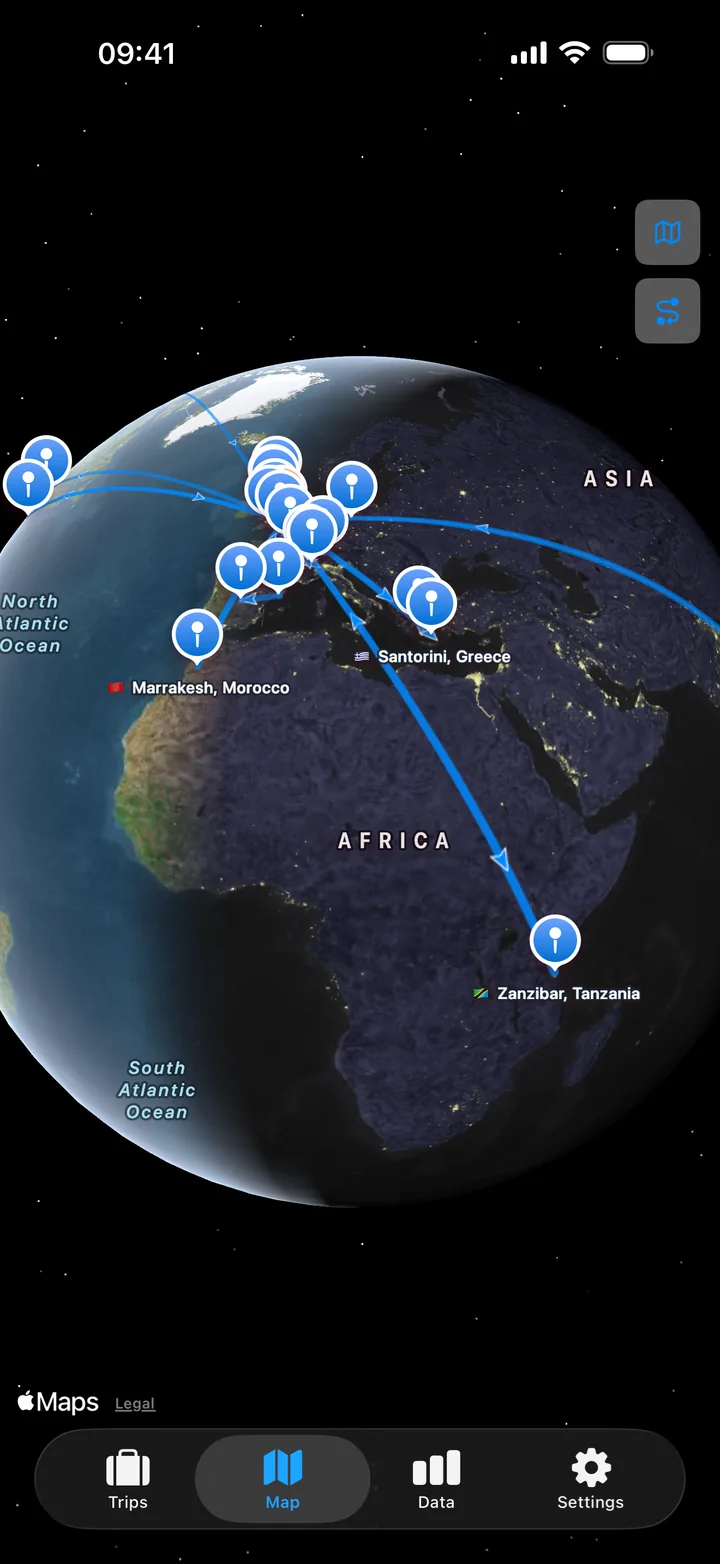
Real trips rarely stay in one place. There’s the flight out, a train between cities, a ferry across to an island, the flight back. TravelJotter records each of those legs — by plane, train, car, bus or ferry — and works out where you stayed along the way.
- Round trips, multi-stop journeys or one-way travel — past, ongoing or planned
- Add as much or as little detail as you like — just the places and a departure date, with travel mode, times, notes and photos optional
- Quick to fill in: new trips start and finish at home, and places you’ve been before are suggested as you type
Photos
The photos from that week, in one tap
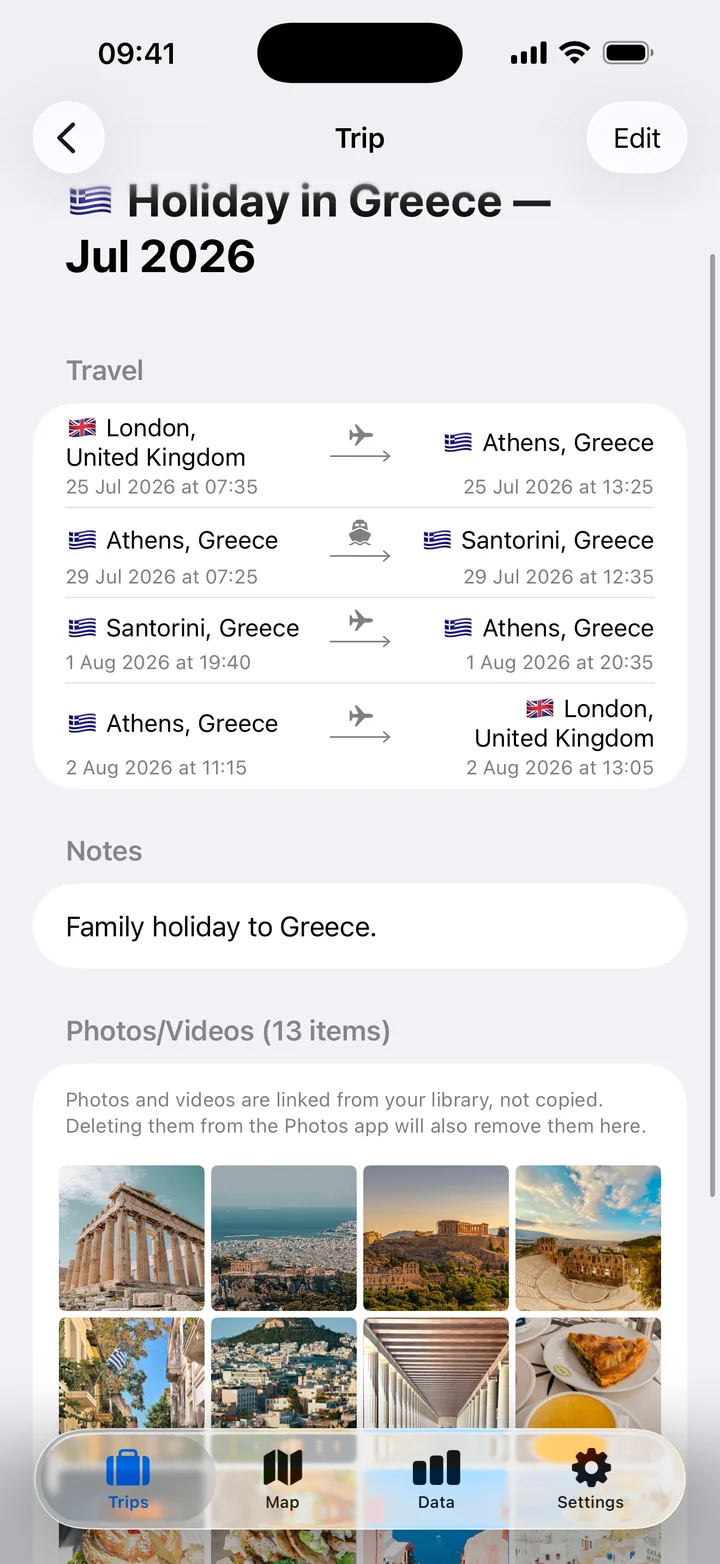
Tap Auto Search Photos and TravelJotter finds the photos and videos you took between the trip’s dates. Keep what you like, remove what you don’t, add anything it missed. Everything stays in your photo library — the app keeps a link, never a copy.
Map
Everywhere you’ve been, on one map
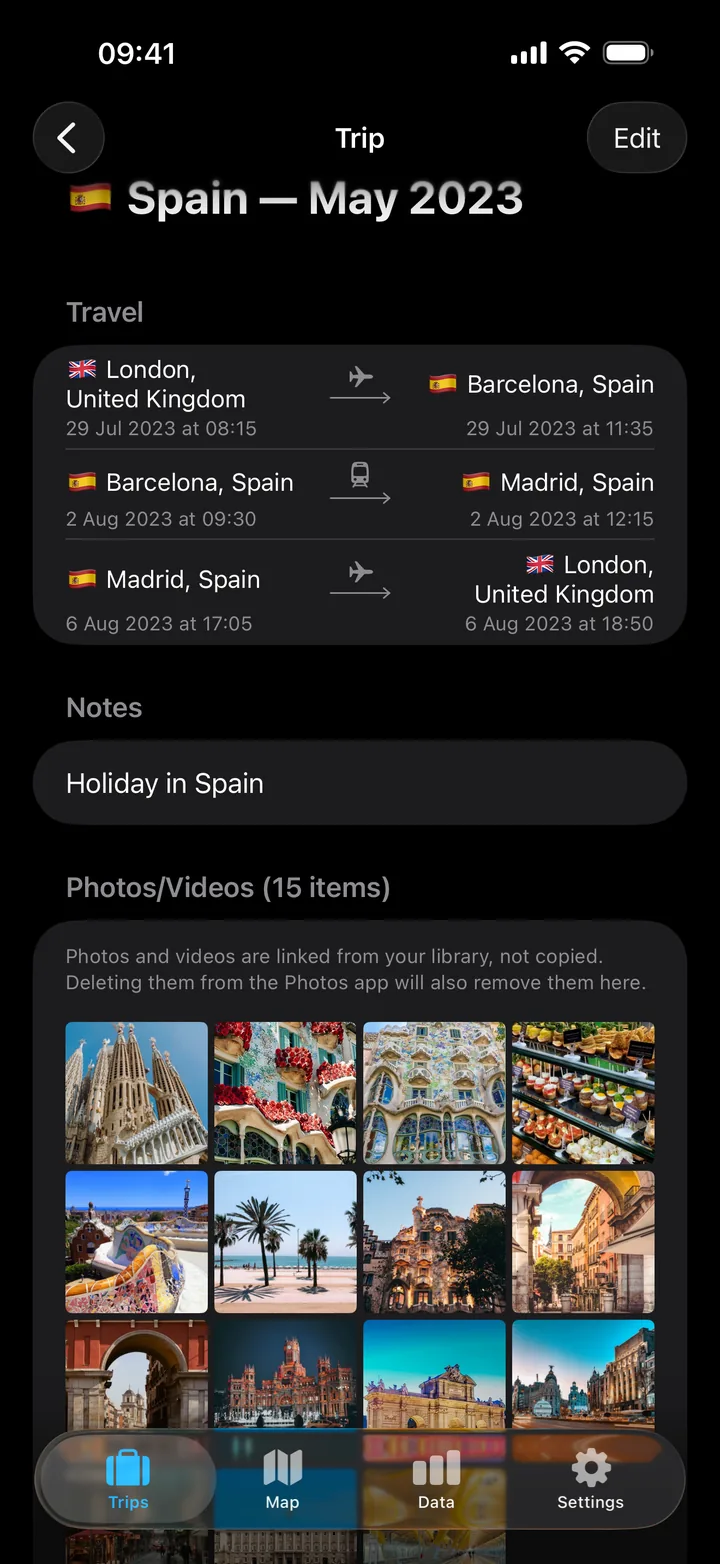
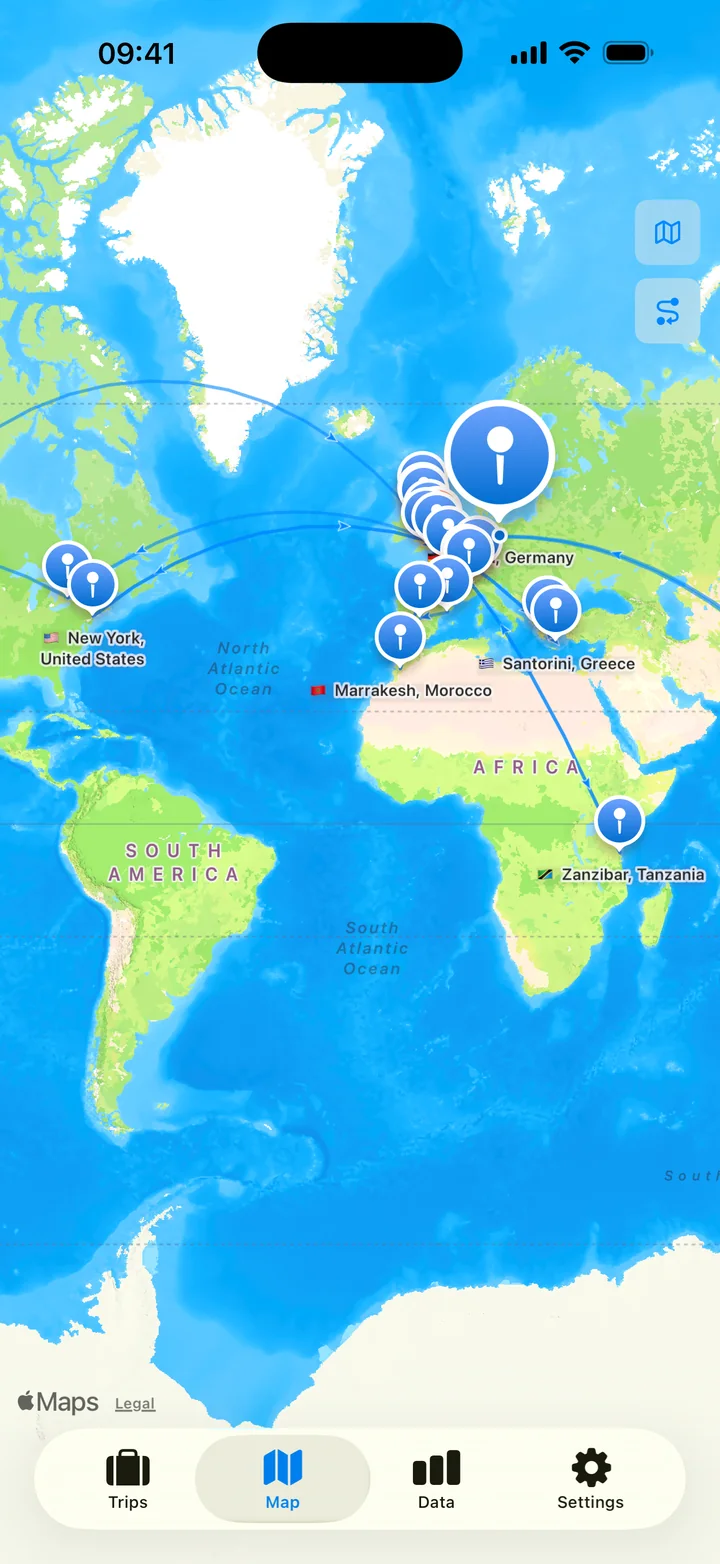
Each place becomes a pin and each journey a line between them. Spin the globe to see how far you’ve travelled, or switch to the flat map and zoom in on one corner of the world.
Data
How your time adds up
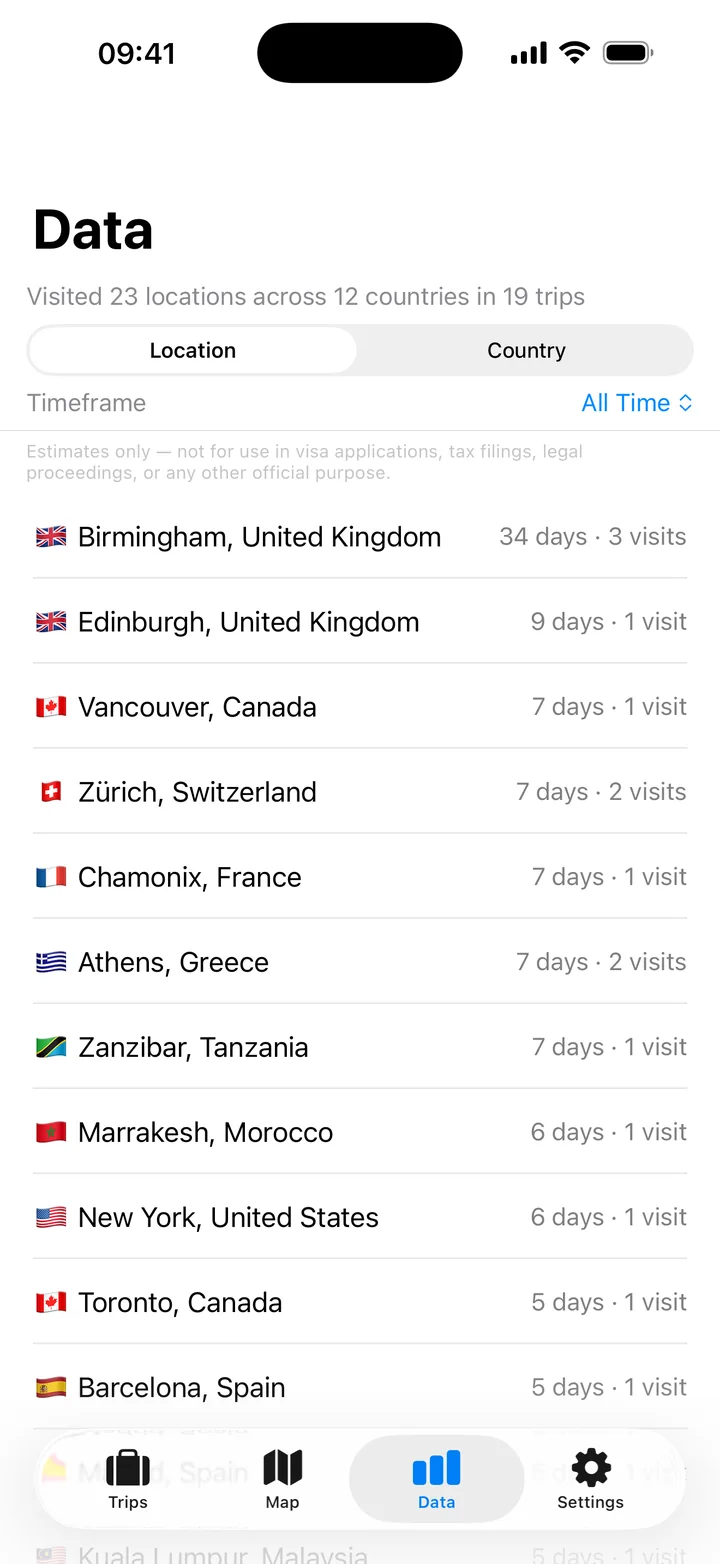
See how many days you’ve spent in each place and how often you’ve gone back — by location or by country, for one year or all of them. Every figure is an estimate, worked out from what you’ve logged — only as complete as your records, and never for visas, tax or immigration.
History
Your whole travel history
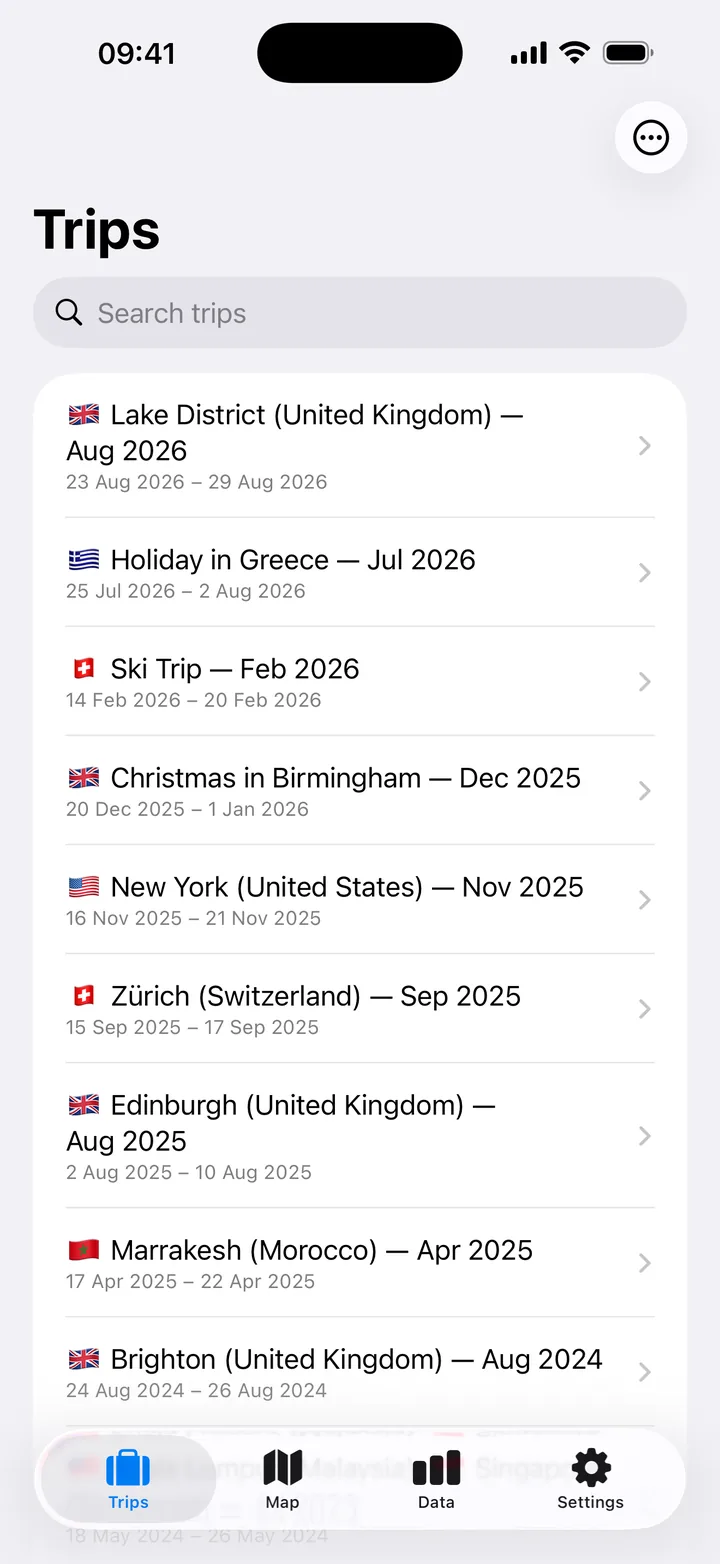
Newest first or oldest first. Search for a place, or filter by dates or location to find every time you went. Name trips yourself, or let TravelJotter name them from where you went, flags included. TravelJotter puts no limit on the number of trips or photos.
Privacy
Your travels stay yours
TravelJotter has no servers of its own and no accounts. What you log lives on your devices, in your own iCloud, and wherever you choose to export it.
No account
Nothing to sign up for. Open the app and start logging.
No tracking
No analytics, no profiling. We never see your trips.
Your own iCloud
Trips sync between your iPhone and iPad through your private iCloud.
Your data, your copy
Export everything as a backup file, or as a spreadsheet, whenever you like.
Support
Questions?
The help guide explains how trips, stays and day counts work. For anything else, email us — we read everything.